
Key Fob Not Detected After Programming: What to Check and How to Fix It

If your key fob was just programmed and the car still says it’s not detected, you’re dealing with a different problem than a simple “add the fob” job. The remote may unlock the doors, but the car can still refuse to recognize it for push-button start or immobilizer approval.
The good news is that this usually comes down to a short list of causes: a weak fob battery, low vehicle voltage, an incomplete programming procedure, a compatibility mismatch, or a vehicle-side detection issue. The trick is to diagnose in the right order so you don’t waste time buying another fob when the real problem is the car.
What “programmed” really means
A key fob can be programmed and still not be detected the way you expect. That’s because different systems do different jobs.
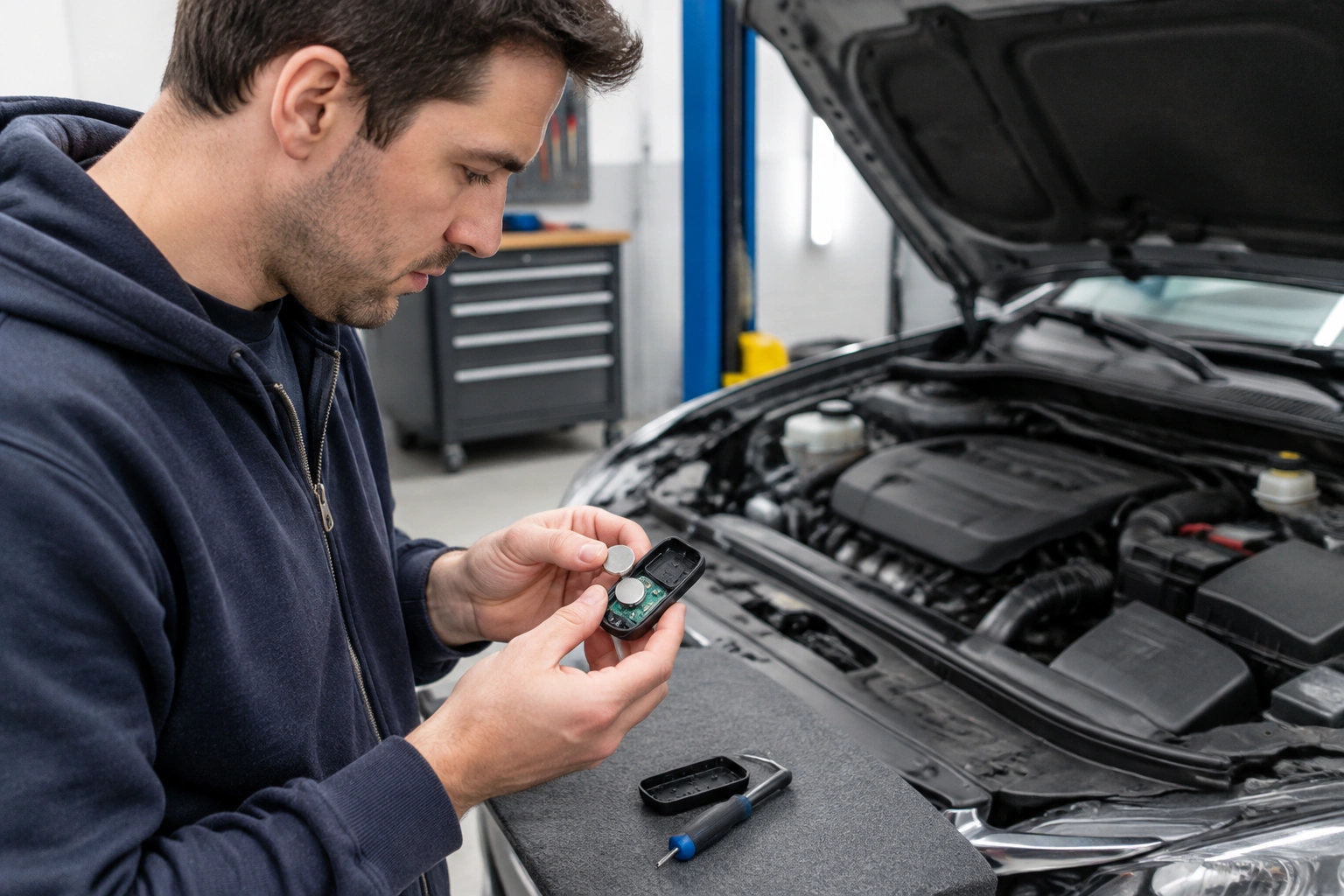
On some vehicles, programming only teaches the remote functions, like lock and unlock. On others, the vehicle also needs separate immobilizer or smart-key registration before it will authorize starting. So if your buttons work but the dash still shows “key not detected,” that can mean the remote side was learned, but the start-authority side was not fully registered.
That distinction matters. A remote that locks the doors proves one part of the fob is working. It does not prove the car recognizes the transponder or smart-key portion. For push-button start vehicles, the car may still need to detect the correct chip response before it will authorize starting. In some cases, the fob can look partly successful after programming even though the immobilizer or smart-key approval still fails.
Quick checks that solve a lot of cases
Before you repeat programming, check the easy stuff first.
1) Verify the fob battery is installed correctly
A weak battery can absolutely cause detection problems, and a battery installed backward or not seated firmly can do the same. Open the fob and confirm the battery matches the correct type, faces the right direction, and makes solid contact with the terminals.
If the battery compartment looks clean but the fob still acts flaky, try a fresh battery from a reputable brand. A nearly dead battery may still let the buttons work from very close range, but not transmit reliably enough for the car to recognize it.
2) Check the vehicle battery voltage
A weak vehicle battery can prevent the receiver from recognizing the key fob. That’s especially true if the car has been sitting, the battery is old, or the dash electronics are acting odd. If the car cranks slowly, the lights dim, or modules are acting up, don’t ignore that clue.
This is one of the most overlooked causes after programming. The fob may be fine, but the car’s receiver or immobilizer may not be getting stable power.
3) Confirm the fob actually matches your vehicle
This is where aftermarket and used fobs cause headaches. A fob can look identical and still be wrong for the exact year, trim, frequency, or smart-key system. If you bought the fob online, double-check that it matches your vehicle by VIN fitment, part number, and button layout.
OEM fobs often cost more, and they’re commonly the safer bet when compatibility is tight. Aftermarket fobs can work well, but they’re more likely to create partial-function problems or odd behavior after programming.
For a broader troubleshooting path after battery work, this guide on what to check after a key fob battery change can help you rule out the most common follow-up issues.
How to tell whether programming worked
A lot of owners assume “the programming failed” when the truth is more specific.
Here’s how I’d read the symptoms:
- Remote buttons work, but the car won’t start: the remote side may be programmed, but the smart-key or transponder function is not being detected.
- The car recognizes the fob only in one spot: that can point to a weak fob battery, a low vehicle battery, or an emergency-start workaround being needed.
- The fob does nothing at all: that suggests the programming may have failed, the battery is wrong or dead, or the fob is incompatible.
- One fob works and the new one doesn’t: the new fob is the likely problem, not the vehicle.
If you have a push-button start vehicle, try the manufacturer’s emergency start procedure from the owner’s manual. Some vehicles can start even when the fob is not being detected normally, because the system can read the fob in a backup way near the start button or another designated spot. If the vehicle starts in that emergency mode but not in normal operation, that’s a useful clue that the fob is at least partially recognized, even if the regular detection path is still failing.
If your vehicle shows a security light, key icon, or “key not detected” message, watch what it does during the attempt. A light that turns off, changes behavior, or stops flashing after the emergency-start attempt can help confirm whether the system accepted the key. If you have a scan tool that can read body, immobilizer, or smart-key data, check the module status there as well. A scan tool can often tell you whether the fob was learned, whether the immobilizer sees it, or whether the problem is still on the vehicle side.
Most likely causes, in the order I’d check them
Here’s the diagnostic order that saves the most time.
1) Weak or reversed fob battery
This is the cheapest fix and the easiest to miss. A battery that’s just weak enough can create a “works sometimes” problem that feels like a programming failure.
2) Low vehicle battery voltage
If the car battery is weak, the receiver, immobilizer, and body modules may not behave consistently. Programming can appear to complete, then the car still refuses to detect the fob afterward.
3) Incomplete programming
Some procedures need exact timing, door cycling, brake pedal steps, or button presses. If one step was missed, the fob may not have been fully enrolled.
4) Compatibility mismatch
This happens a lot with aftermarket and used fobs. A fob can be the right shape and still not support your vehicle’s system. For example, a replacement may unlock the doors but never satisfy the immobilizer, which looks very different from a simple battery or sync issue.
5) Sync, relearn, or initialization still needed
Some vehicles need a separate synchronization step after programming. In plain English: the fob may be added, but the car and fob still need to “talk” in the right way before normal detection works. A common example is when the remote buttons operate, but the car still won’t accept the fob for starting until a relearn or initialization procedure is completed.
6) Vehicle-side receiver, antenna, immobilizer, or module fault
If multiple known-good fobs fail, the problem may be on the car side. That’s when you stop blaming the fob and start looking at the receiver, antenna, wiring, or control module.
Step-by-step fixes to try at home
Use this sequence instead of repeating the same programming routine over and over.
Step 1: Replace or reinstall the fob battery
Put in a fresh battery and check the orientation carefully. Re-seat the cover so the battery can’t shift around.
Step 2: Stabilize the vehicle battery
If the car battery is weak, charge it or test it before doing anything else. A marginal battery can make a good fob look bad.
Step 3: Try the fob in the car’s backup detection spot
If your vehicle has an emergency start location, use it exactly as the owner’s manual describes. If the car starts there but not normally, that suggests a weak detection path rather than a completely dead fob.
Step 4: Repeat the programming procedure only once you’ve verified fitment
If the fob is known to be correct for the vehicle, run the programming steps again carefully. Don’t rush the timing. If the procedure requires all fobs to be learned in one session, include every fob you plan to use.
Step 5: Test the fob in different conditions
Try it with the fob held in the factory-recommended area, with the vehicle fully off, and again after the car has had time to sit. If it only works in one exact position, you may be dealing with a weak battery or antenna-detection issue.
Step 6: Compare against a spare
If you have a working spare, test it. A spare that works immediately tells you the vehicle is probably fine and the problem follows the new fob.
For owners who ran into trouble after a jump start, this related guide on key fob not detected after a jump start covers the battery-voltage side of the problem in more detail.
OEM vs aftermarket fobs: why one may act “programmed” but still fail
OEM fobs often give you the best odds of clean detection because they’re built to match the vehicle’s expected behavior. Aftermarket fobs can be perfectly usable, but they’re more likely to create one of three headaches: partial programming, intermittent recognition, or a compatibility miss that only shows up after installation.
A common example is a replacement fob that unlocks the doors but won’t satisfy the immobilizer. Another is a fob that programs once, then acts erratic after a battery replacement or electrical reset. If you’re using an aftermarket or used fob and the symptoms are inconsistent, don’t assume the car is broken right away. The fob may simply be a poor match.
When the problem is the vehicle, not the fob
If two or more known-good fobs are not detected, the odds shift toward the vehicle.
That points to issues like:
- a weak receiver or antenna
- wiring damage
- a body control module or immobilizer fault
- radio frequency interference in the area
- a vehicle battery or charging problem
This is where the diagnosis stops being a simple DIY job. If the car won’t detect a working OEM fob, the fob is no longer the main suspect. At that point, the vehicle needs a closer look with scan-tool data and system testing.
Should you reprogram, resync, replace, or keep troubleshooting?
Use this simple decision rule:
- Replace the fob battery if the battery is old, weak, or possibly installed incorrectly.
- Retry programming if the original attempt may have been interrupted or the vehicle procedure wasn’t followed exactly.
- Resync or relearn if the fob seems partially recognized but not fully authorized.
- Replace the fob if it’s clearly incompatible, damaged, or unreliable compared with a known-good spare.
- Inspect the vehicle side if multiple fobs fail or the car shows broader electrical symptoms.
The mistake I saw most often was owners repeating programming ten times when the real issue was a battery, a wrong fob, or a car-side fault.
When to consult a locksmith
Call a locksmith or dealer when you’ve already checked battery condition, confirmed the fob is the right part, and tested a spare if available, but the car still won’t detect the key. A locksmith is often the better first stop if you want fast diagnosis without dealership pricing pressure. A dealer may be the better choice when the vehicle needs module-level diagnostics or manufacturer-specific programming access.
If your vehicle requires professional help, bring the fob, any spare keys, and a clear note of what happened: whether the remote buttons work, whether the car starts in emergency mode, and whether the issue appeared after a battery change, jump start, or programming attempt. That information saves time and usually gets you to the fix faster.
FAQs
Can a key fob be programmed but still not be recognized?
Yes. A fob may be programmed for remote functions but still fail the smart-key or immobilizer part of detection.
Will a dead fob battery cause a “not detected” message?
It can. A weak battery may let the buttons work at close range but prevent reliable detection by the car.
Does a car battery replacement affect key fob detection?
It can. Some vehicles lose sync or act inconsistently after battery replacement or an electrical reset.
Why does my aftermarket fob work sometimes but not always?
That often points to compatibility, battery quality, or a weaker signal than an OEM fob.
If one fob works and another doesn’t, what does that mean?
Usually the problem follows the nonworking fob, not the car.
Can the car’s receiver be the real issue?
Yes. If multiple known-good fobs fail, the vehicle-side receiver, antenna, immobilizer, or wiring becomes the likely suspect.
Do all vehicles support DIY reprogramming?
No. Some do, but others require a locksmith or dealer procedure.
Why does the fob work only near the start button?
That usually suggests a weak battery, a backup detection mode, or a detection-path issue rather than a fully healthy system.
What if the programming procedure says it succeeded?
That may mean the fob was accepted into memory, not necessarily that every function is working correctly. Test remote and start functions separately, and if available, confirm status with the security light, message center, or a scan tool.
Should I keep trying the same programming steps?
Only if you’re sure the fob is correct and the original attempt may have been interrupted. Otherwise, repeated attempts usually waste time.
Final takeaway
If your key fob is not detected after programming, don’t treat it like one mystery problem. Check the fob battery, vehicle battery, and compatibility first, then decide whether you need a resync, a second programming attempt, or a vehicle-side diagnosis. That order will save you the most time and the most money.
