
10 Best Bluetooth OBD2 Scanner for Used Car Buyers: Top Picks, Features, and Buying Tips

Bluetooth OBD2 scanners let buyers read a car’s diagnostics with a smartphone or tablet, making it easier to spot trouble before buying. They plug into the car’s OBD2 port and display codes, live data, and basic tests, so a buyer can check engine lights, sensor readings, and emissions readiness without special tools or dealer visits. These devices range from simple code-readers to advanced apps that log data and suggest probable causes.
The key things used-car buyers should watch for are compatibility, data clarity, and reliability. Compatibility means the scanner works with the car’s model year and the buyer’s phone or tablet; data clarity covers how clearly the app explains fault codes and live readings; reliability covers connection stability and accurate readings. A great Bluetooth OBD2 scanner reliably shows clear, usable data on a buyer’s phone and works with the car and app they already own. This review tested several models to find the best options for people buying a used car.
Best Bluetooth OBD2 Scanners for Used Car Buyers
Below is a short guide to the best Bluetooth OBD2 scanners for used car buyers. It helps them find tools that check engine codes, live data, and basic vehicle info before they buy.
OBDLink MX+

It’s worth buying for used car buyers who want fast, reliable Bluetooth diagnostics and broad app support.
Pros
- Fast, stable Bluetooth connection with no dropouts.
- Works with many apps (FORScan, Torque, BimmerCode, etc.).
- Extra protections like over-voltage and battery drain guard.
Cons
- Manufacturer app feels less polished than third-party apps.
- Small unit can be easy to misplace.
- Advanced features may need paid apps or add-ons.
They plugged the MX+ into several cars and it paired instantly with phones and a Windows laptop. Live data streamed smoothly while they drove, and checking freeze frames and live PIDs felt immediate.
They used it with FORScan and Torque and noted it gave more live parameters than most cheap dongles. Coding and deeper diagnostics on certain brands worked cleanly, and the adapter stayed responsive during longer sessions.
Clearing check engine lights and reading ABS or SRS codes proved simple. Battery protection eased worry about leaving it plugged in during inspections.
Sometimes the OBDLink app itself lacked features users expect, so they switched to third-party apps for deeper functions. The adapter’s small size helped hiding it during a test drive but made it easy to lose in a glovebox.
Overall, the MX+ felt like a pro-level tool in a compact dongle, ideal for buyers who want trustworthy checks before buying a used car.
BlueDriver Pro

It’s a solid buy for used car shoppers who want near-professional diagnostics without paying for a shop visit.
Pros
- Gives detailed repair reports and live data that feel professional.
- Easy Bluetooth setup and a clean mobile app interface.
- No subscription fees — all features included after purchase.
Cons
- Some advanced manufacturer-specific functions vary by model and year.
- Takes up the OBD2 port if left plugged in long-term.
- Occasional pairing hiccups on certain phones require support help.
They plug it into the car and open the app, and the BlueDriver connects fast. Reading and clearing codes felt simple and immediate, and the app returned clear probable causes that saved time at the mechanic.
Live data streaming during a short drive showed real numbers for sensors and readiness monitors. That made it useful for checking a used car’s emissions readiness and finding intermittent issues that might not trigger a check engine light.
The repair reports gave step-by-step guidance and part suggestions that sounded legit. It did not fix anything by itself, but it narrowed down likely faults so buyers can negotiate or request targeted repairs.
Bluetooth pairing worked most of the time and support answered a pairing problem quickly when it didn’t. He found it convenient to leave the tool plugged in for quick checks, though that blocks the port and some prefer to unplug between uses.
Buyers testing many used cars will like the no-fee model and the depth of diagnostics for many brands. It’s practical for someone who wants more than a basic code reader without paying for an expensive shop-level scanner.
UMEIJA V011 OBD2 Scanner
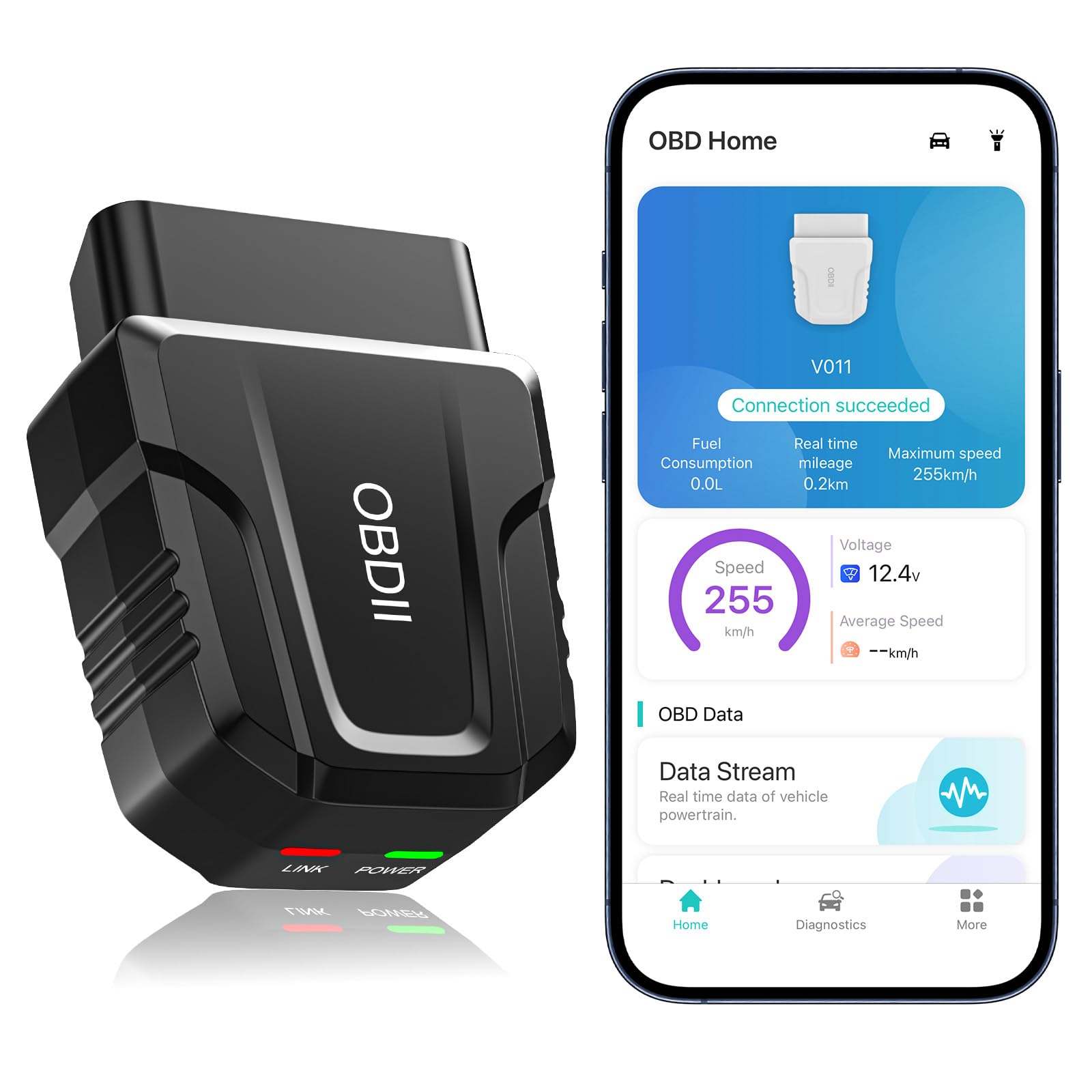
It is a solid choice for used car buyers who want quick code reads, live data, and basic fixes without paying for a pricey shop visit.
Pros
- Fast Bluetooth pairing and reliable live-data streaming.
- Shows clear charts and stores past scans for follow-up.
- Covers most makes and models, so it works on many used cars.
Cons
- App-only operation can be limiting for some phones.
- Some advanced repairs still need a mechanic’s tools.
- Should be unplugged after use to avoid draining the car battery.
They plugged the unit into several used cars and liked how fast it connected. The app pulled codes and live sensor values right away and made the check engine light easier to understand.
The visual graphs helped compare readings while the engine ran. It saved scans so they could check history after clearing codes, which felt useful when tracking recurring faults.
Sometimes the app suggested likely fixes, but complex problems still required a shop. Bluetooth pairing worked smoothly on Android and iPhone when they followed the app’s connection steps.
Overall, it gave a lot of useful info for the price and made pre-purchase checks simpler. For someone buying a used car, it helps spot issues quickly and decide if a mechanic visit is needed.
Veepeak OBDCheck BLE

It is a solid, budget-friendly scanner for used car buyers who want to read and clear check engine codes and watch live sensor data from their phone.
Pros
- Easy Bluetooth LE hookup with common apps.
- Small, durable unit that fits a glove box case.
- Good generic diagnostics for most 1996+ cars.
Cons
- No ABS/SRS or advanced maker-specific functions.
- Requires third-party app; some useful features may cost extra.
- Not compatible with certain newer vehicles or head units.
They plugged the Veepeak into several used cars and it woke up the check engine history fast. Live sensor feeds and readiness I/M checks showed immediately in the Car Scanner app, making it easy to spot obvious faults before buying.
Connection stayed steady on both Android and iPhone when opened from the app and set to Bluetooth LE. That kept the pairing process simple; he avoided the phone’s Bluetooth menu and saved time troubleshooting.
A downside appeared with deeper diagnostics. It did not access ABS or airbag modules, and some manufacturer data was missing. For buyers who need full dealer-level checks, this won’t replace a shop scan.
Overall it proved useful for a quick pre-purchase screen. They liked the small case, reliable readings, and low cost, but would pair it with a mechanic when advanced tests are needed.
FIXD Bluetooth Scanner
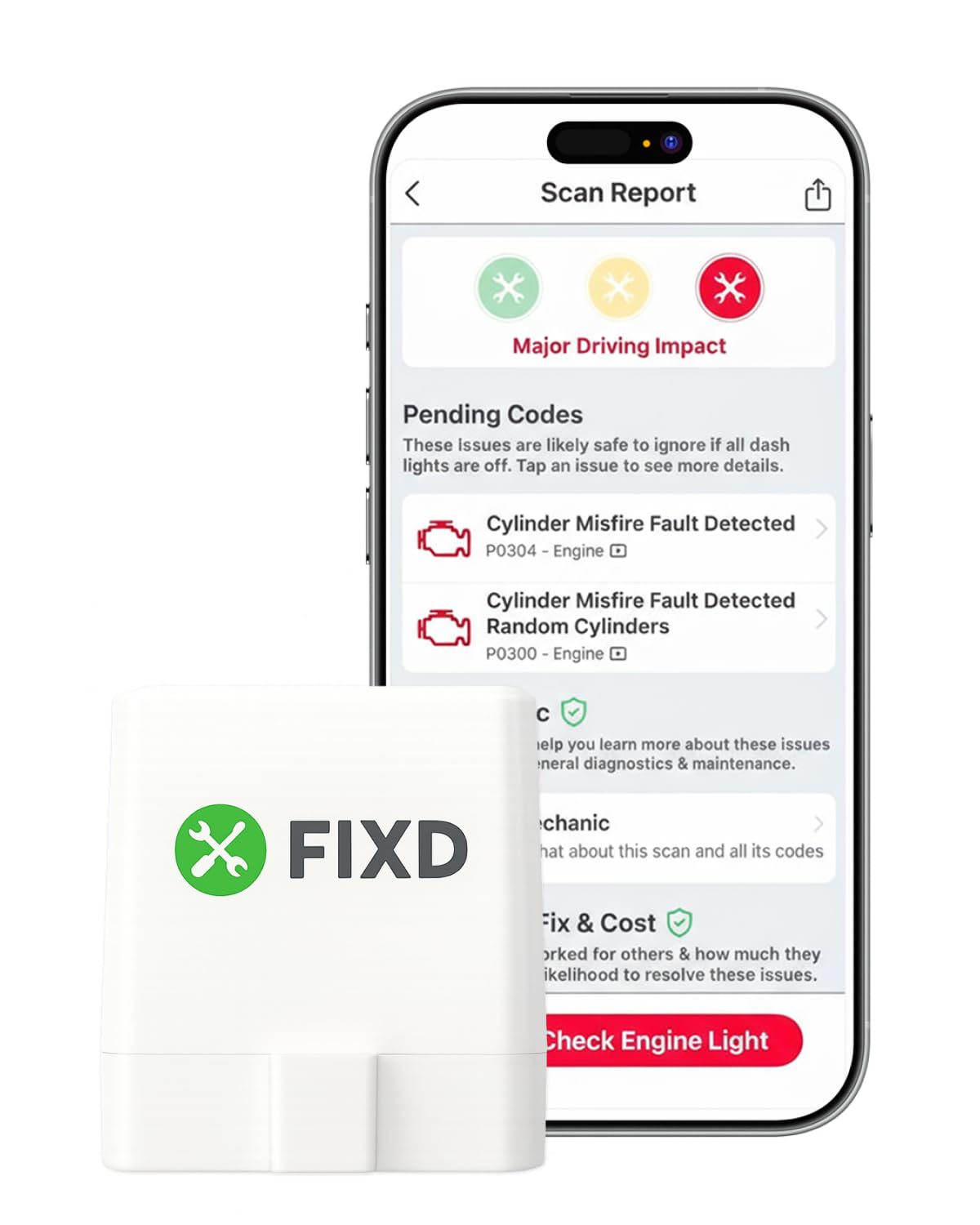
It is a solid pick for used car buyers who want quick, phone-based checks and easy-to-understand fault info before they buy.
Pros
- Easy to use and links quickly to a phone app.
- Gives plain-language explanations useful for non-experts.
- Small and stays hidden under the dash.
Cons
- Some useful features require a paid subscription.
- Occasional compatibility quirks with older or some models.
- Not as deep as professional scan tools for complex faults.
They plug the FIXD into the car and open the app in minutes. It read the check engine light and translated codes into simple text, which made talk with the seller or mechanic faster.
The app saved scans by vehicle and showed basic maintenance hints. That helped track what a used car might need soon, without calling a shop for every small code.
Sometimes it missed advanced manufacturer-specific codes on certain cars. In one test car it connected but did not show enhanced data that a dealer scanner would provide.
The free scans cover most common problems, and the 14-day premium trial adds repair costs and extra tips. Buyers should test the exact car first and be ready that some reports push the paid plan for deeper details.
VDIAGTOOL D200
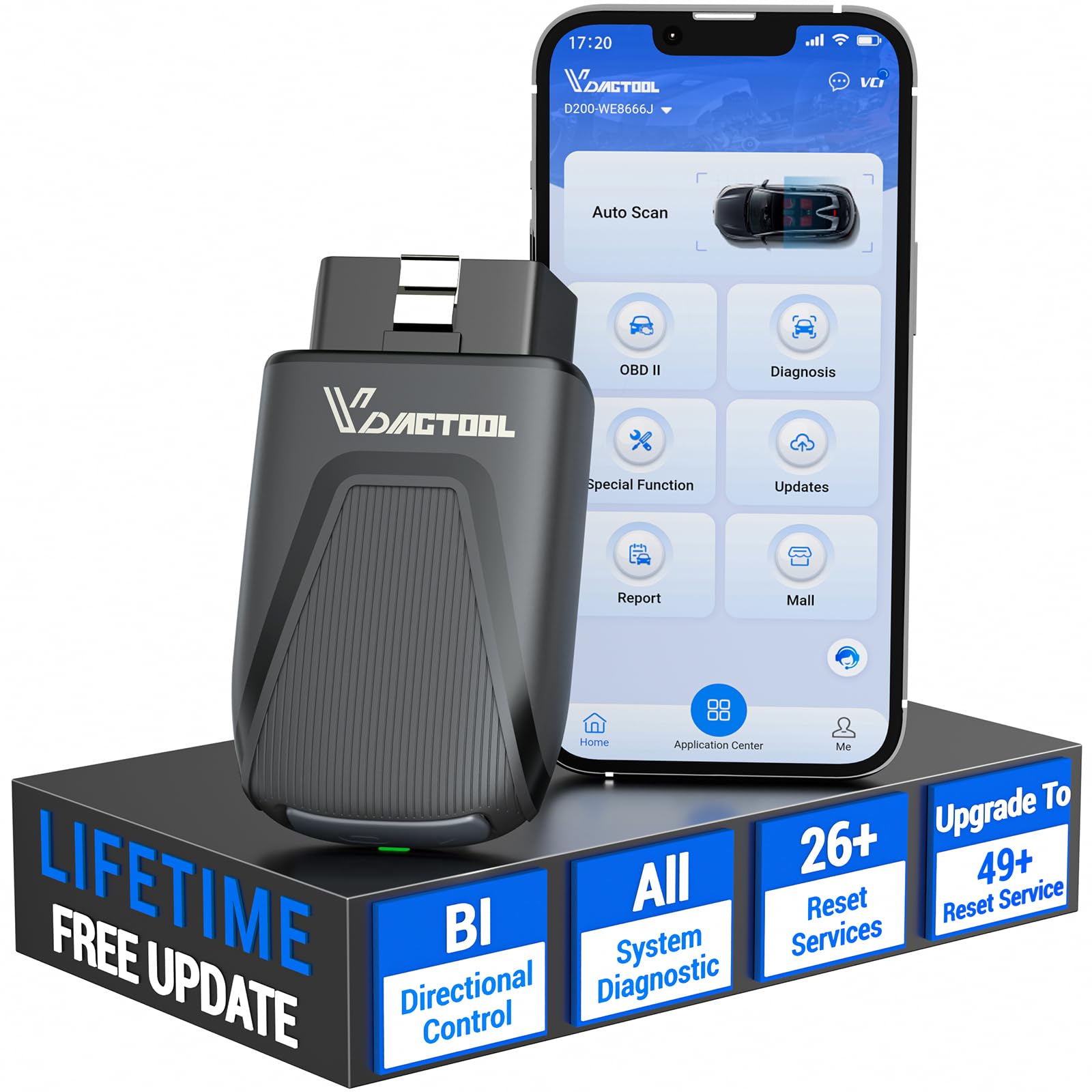
The D200 is a strong choice for used car buyers who want dealer-level checks on a smartphone without paying subscription fees.
Pros
- Deep system access and active tests feel like dealer diagnostics.
- Wireless Bluetooth pairing is fast and stable in real use.
- Many essential resets are free for routine maintenance.
Cons
- Full advanced features require paid upgrades for specific needs.
- Some vehicle models may need extra FCA or manufacturer access.
- Not for pure electric vehicles or heavy-duty trucks.
They plugged the D200 into several test cars and appreciated how quickly the app connected and displayed live data. Running real-time graphs helped spot an inconsistent sensor during a pre-purchase check.
It handled engine, transmission, ABS, and body module reads with no fuss. The active tests let them command a relay and confirm a fuel pump operation, which saved time and avoided guessing on parts.
Routine tasks like oil reset and SAS calibration worked as expected on common models. When deeper programming was needed, they noted the upgrades are handy but cost extra, so buyers should plan for that.
ANCEL AD310

It’s a solid budget code reader for used car buyers who want fast CEL answers without messing with apps or batteries.
Pros
- Sturdy build that feels like a real tool
- Plugs in and powers up instantly—no batteries or phone needed
- Clear screen and simple menus make codes easy to read
Cons
- Only reads emission-related OBD2 codes, not full diagnostics
- Wired design limits reach under dashboards
- No app or advanced features for deep troubleshooting
They kept the AD310 simple and it shows. Plugging it into a used car’s OBDII port, it lit up and pulled codes in seconds. The screen is bright and the buttons respond without fuss.
Using it on two different older cars, the reader gave the exact CEL codes and let them clear the light after a fix. Live data and freeze-frame views were basic but helpful for quick checks before buying a car.
The cable is thick and feels durable when working in tight spaces, but the corded design means they had to crouch close to the dash. For someone who needs quick code reads while inspecting a used car, it hits the right notes without extra frills.
Buy it if they want a reliable, no-nonsense code reader to check check-engine lights on 1996-or-newer OBD2 cars.
BLCKTEC 440

This is a solid choice for used car buyers who want a reliable, easy-to-use scanner to check codes and readiness before buying.
Pros
- Simple plug-and-play setup that powers from the car.
- Clear live data and readiness lights for quick checks.
- Feels sturdy and works quickly on older and newer OBD2 cars.
Cons
- Occasional units arrive with signs of prior use.
- Bigger, handheld unit is less pocket-friendly than adapters.
- Some advanced features need time to learn.
They plugged the 440 into different used cars and it lit up right away, reporting trouble codes and I/M readiness without fuss. The color screen makes it easy to spot active issues and the live data graphs helped confirm sensor behavior on a test drive.
The handheld shape felt solid in hand and the menu moves faster than many basic readers. It did more than clear a light — it showed battery and charging tests and helped avoid a needless tow on one car by confirming a minor fault.
A few reviewers received units that looked used, so buyers should check the packaging on arrival. Overall, it gave straightforward, actionable info that a buyer can use at a dealer lot or private sale.
TopScan Lite (TOPDON)

It’s worth buying for used car shoppers who want deep diagnostics at home, but expect to pay for advanced features after the first year.
Pros
- Deep, all-system scans that find more than just engine codes.
- Bi-directional tests let you activate parts to isolate faults.
- Handy repair guides and live data that helped verify fixes quickly.
Cons
- Advanced features move behind a subscription after year one.
- Some functions need time and patience to learn on certain cars.
- Customer support and subscription setup can frustrate some users.
He plugged the tiny dongle into the OBD2 port and paired it with his phone in under a minute. The app scanned everything and produced a clear health report that showed which systems needed attention.
They used the bi-directional controls to run a fan and test injectors on a used SUV; it saved time by showing which component didn’t respond. Live data streams were smooth and helped confirm sensor behavior while the engine ran.
She liked the TopFix repair guidance for simple fixes and TSB notes that pointed to common issues. The one-year access to advanced tools felt generous, but the subscription cost afterward made her weigh long-term value for frequent use.
He noticed that setup on some older and newer models required fiddling and a couple of app restarts. Bluetooth connection was generally fast, yet occasional glitches meant patience and a retry or two.
They found the tool excellent for pre-purchase checks and DIY troubleshooting, but advised buyers to plan for the subscription if they want full, ongoing access to bidirectional and reset functions.
Rocco OBD2 Scanner
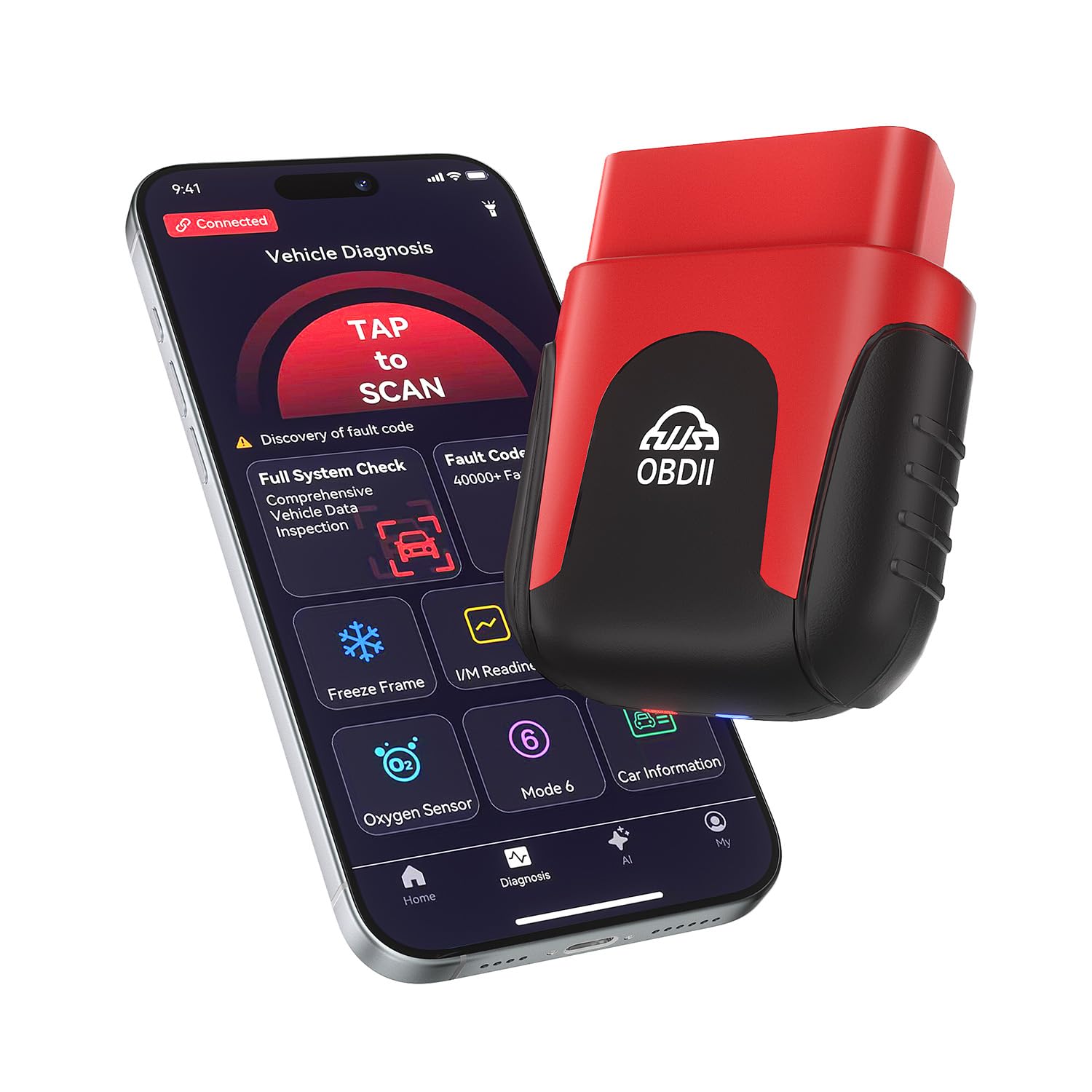
It’s a good buy for used car buyers who want quick, AI-driven checks and real-time data without paying a subscription.
Pros
- Fast Bluetooth connection and simple app that makes scans easy.
- AI reports explain codes in plain language for non-mechanics.
- Tiny design stays plugged in for ongoing monitoring.
Cons
- Some advanced diagnostics may be limited versus pro scan tools.
- Mind the app’s data layout; it can feel busy at first.
- Occasional vehicle-specific quirks might need manual checking.
They plugged the Rocco into a test car and it paired to a phone in under a minute. The app ran a full-vehicle scan, showed a clear Pass/Fail, and produced a readable AI summary that made sense without mechanic speak.
Real-time graphs felt useful when chasing intermittent issues. Seeing RPM, coolant temp, and O2 sensor numbers live helped spot patterns that code-only readers miss. The tiny unit barely sticks out of the port, so leaving it in the car was hassle-free.
Clearing a check engine light after a simple fix worked as expected. For deep, dealer-level diagnostics it won’t replace a shop, but for used car checks and basic troubleshooting it saved time and money.
Buying Guide
When choosing a Bluetooth OBD2 scanner, buyers should start with vehicle compatibility. They need to check the scanner supports the car’s protocol and year. This prevents wasted time and returns.
Look for real-time data and live graphing if they want to assess engine health during a test drive. Simple code read/clear is fine for basic checks, but live data helps spot intermittent issues.
Prioritize app quality and device pairing. A clear, stable app makes diagnostics faster. The scanner should pair easily with phones and tablets and keep the connection during a drive.
Consider supported fault codes and descriptions. Scanners that show both generic and manufacturer-specific codes give more insight. Helpful code explanations save time interpreting results.
Battery draw and power design matter. The scanner should be safe to leave plugged in during a short test drive. Low power draw and auto-sleep help avoid draining the car battery.
Check data logging and export options for records. Buyers who may seek mechanic help want saved reports or CSV export. Sharing saved logs speeds up professional diagnostics.
Evaluate build quality and warranty. A solid housing and a decent warranty reduce risk. They should look for clear warranty terms and reliable customer support.
Compare price vs. features to match needs. Less expensive units cover basic checks. More advanced users should budget for scanners with broader data access and better app support.
Editor’s Choice
The top pick is the BlueDriver Bluetooth OBD2 scanner. It pairs easily with phones and gives accurate live data and trouble code fixes. Buyers can read and clear codes, view freeze frame data, and get repair reports without extra hardware.
BlueDriver works with most cars sold in the U.S. since 1996. It shows enhanced codes for many makes, which helps uncover hidden issues on used cars. The app layout is simple, so even beginners can follow the results.
Key features:
- Compatibility: Broad vehicle coverage for most cars and light trucks.
- Reports: Clear, printable repair reports tied to real fixes.
- Live data: Graphing and live sensor reads for quick diagnostics.
The device is compact and fits the OBD2 port without blocking other connections. It uses secure Bluetooth and does not need a constant internet connection to scan. Battery drain is minimal because it draws power from the car port.
Price sits in the mid-range for Bluetooth scanners. It gives more useful data than cheap readers and costs less than professional tools. For a used car buyer who wants reliable checks without extra training, BlueDriver balances cost, ease, and depth of information.
Conclusion
A Bluetooth OBD2 scanner gives used car buyers quick access to a vehicle’s fault codes and live data. It helps them spot hidden problems and verify repairs before purchase.
Buyers should pick a scanner that matches the car’s protocols and the buyer’s tech comfort. Simple code-readers work for basic checks; advanced apps and features suit those who want deeper diagnostics.
Price, app quality, and update support matter. A mid-range scanner often balances reliability and useful features without overspending.
They should test the scanner on a known vehicle when possible. That confirms compatibility and shows how to read results before inspecting a purchase.
Key choices to weigh:
- Compatibility with the car’s make and model
- Ease of app use and clarity of reports
- Live-data and freeze-frame capabilities
- Reputation and software updates
Using a scanner does not replace a full mechanical inspection. It gives practical, fast data that helps buyers make smarter choices.
FAQS
What does an OBD2 scanner do for used car buyers?
It reads the car’s diagnostic trouble codes (DTCs). This helps them spot engine, transmission, and emissions problems before buying.
Will a Bluetooth OBD2 scanner work with any car?
Most cars made after 1996 in the U.S. use OBD2. They should work with most makes and models, but buyers should check phone and app compatibility first.
Do they need special apps or subscriptions?
Many scanners work with free apps, but some advanced features may need paid apps or subscriptions. The app list in the scanner’s manual shows what is required.
Can a scanner tell if a car was in an accident?
No. OBD2 scanners do not show collision history. They can reveal frame-related sensor errors sometimes, but buyers should get a vehicle history report and a physical inspection.
How accurate are the readings?
Readings come directly from the car’s computer and are generally reliable. Some codes require a mechanic to diagnose the real cause.
Is professional inspection still needed?
Yes. A Bluetooth OBD2 scanner is a useful tool, but it does not replace a full inspection by a mechanic. It helps prioritize what needs closer checking.
How long does it take to scan a car?
Most scans take a few minutes. Detailed live-data checks can take longer depending on the app and the car.
