Key Fob Programming Apps: Do They Actually Work?

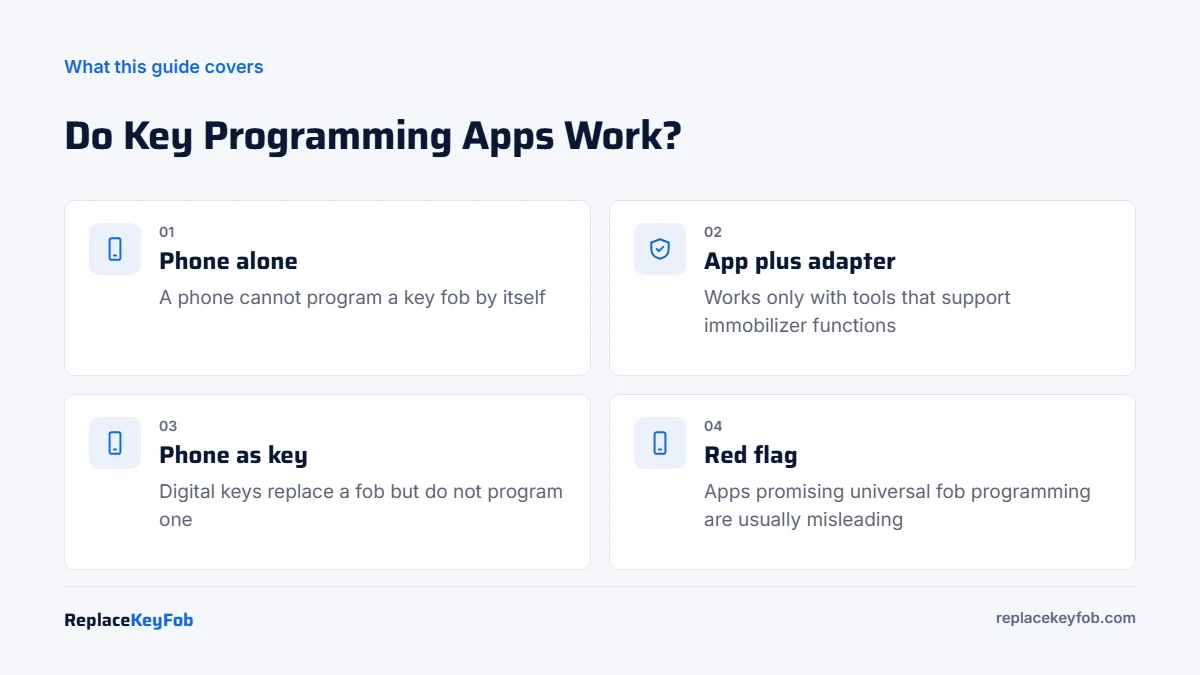
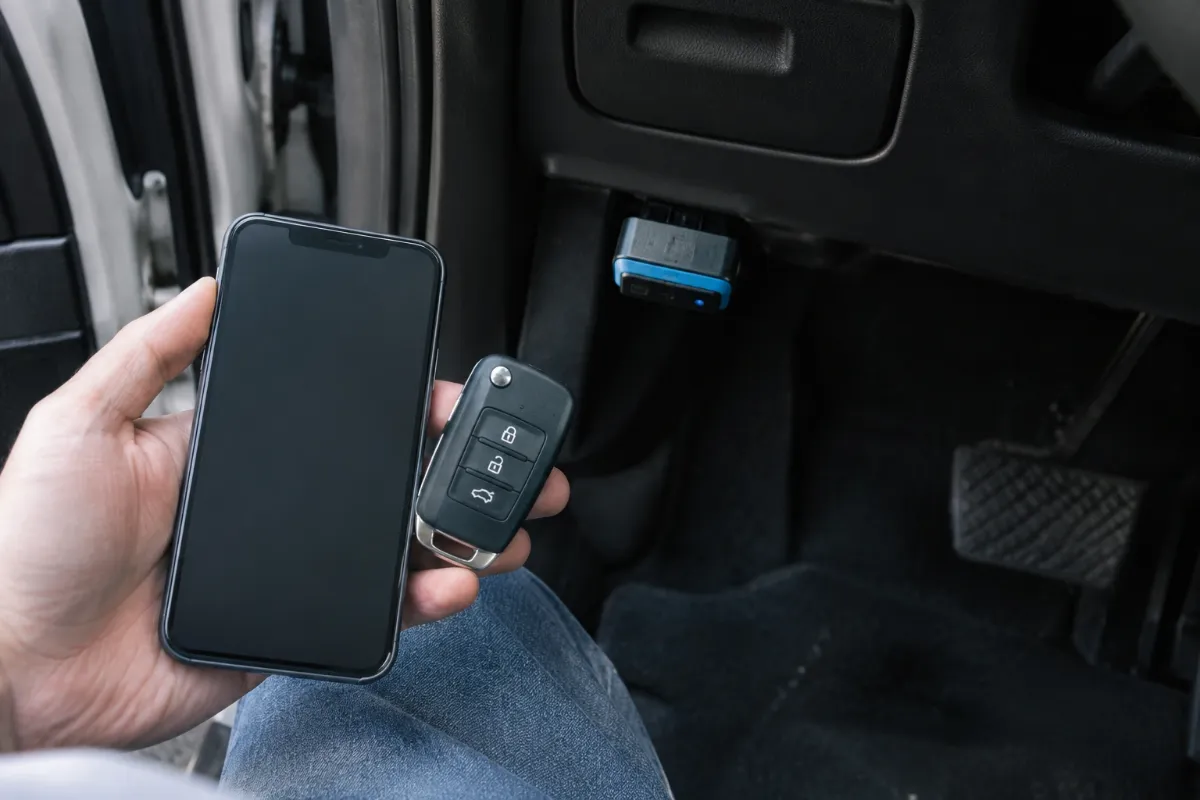
A key fob programming app cannot program a fob using your phone alone. Apps only work when paired with an OBD2 adapter or key programming tool that supports immobilizer functions for your car, such as FORScan with a compatible adapter on many Fords. Apps that promise universal fob programming from a phone are misleading.
Search an app store for “key fob programming” and you will find apps with five-star screenshots and big promises. Most of them do one of three things: show you onboard programming instructions, act as the front end for a hardware tool, or turn your phone into a digital key for a car that already supports it. None of them can make your phone talk to a car’s immobilizer without extra hardware.
This guide explains what each kind of app really does, which ones are worth using, and what to buy instead. For every non-app method, see our guide to programming a key fob yourself.
How key fob programming works, and where an app fits
Programming a fob means storing its identity in the car. The remote buttons transmit on a radio frequency (commonly 315 MHz in the US), and the transponder chip or smart key talks to the immobilizer through antennas in the car. To add a new key, the car has to be put into a learn mode. That happens in one of two ways:
- Onboard: a sequence of ignition, door and button actions on cars that support it. No electronics needed.
- Through the diagnostic port: a tool connected to the OBD2 port sends commands to the immobilizer or body control module, often after a security PIN or timed wait.
Smart keys add another layer. The car checks for the fob with low-frequency antennas in the doors and cabin, then confirms it over a separate radio link. Registering a smart key always goes through the car’s modules, which a phone cannot reach on its own.
A phone has no OBD2 port and no immobilizer antenna. So an app can only help by giving instructions or by controlling a device that is plugged into the car.
Types of key fob apps
| App type | Examples | Can it program a fob? |
|---|---|---|
| Instruction apps | Apps listing onboard programming steps by model | No. They show steps you perform yourself; accuracy varies |
| OBD2 apps with a Bluetooth or Wi-Fi adapter | FORScan Lite, Carista, OBDeleven, general OBD2 apps | Rarely. Most read codes and change settings; few offer key programming |
| Laptop software with an adapter | FORScan for Windows | Yes, on many Ford, Lincoln and Mercury vehicles with the extended license |
| Key tool companion apps | Apps tied to dedicated key programmers | Yes, but only with that tool and its supported vehicles |
| Phone-as-key apps | Tesla app, Hyundai and Kia Digital Key, BMW Digital Key, Apple Wallet car keys | No. They make the phone a key on supported cars but do not program fobs |
| Connected car apps | Brand apps with remote lock and start | No. They use the car’s cellular connection, not the fob |
Apps that actually help
FORScan
FORScan is the best example of software that can program keys. The full key programming procedures run in the Windows version with an extended license and an adapter that supports Ford’s MS-CAN network. The mobile FORScan Lite app is focused on reading codes and live data, not key programming. Our step-by-step guide covers how to program a Ford key fob with FORScan, and apps like FORScan lists alternatives for other brands.
Key programmer companion apps
Some key programmers use a phone or tablet app as their screen. The app is only the interface. The programming comes from the hardware and the maker’s vehicle database, so coverage is whatever the tool supports. Our comparison of Autel, Xtool and OBDStar key programmers explains how to check coverage.
Phone-as-key apps
If your car supports a digital key, the brand’s app or your phone’s wallet can replace the fob for daily use. Setup usually requires a working key, and the car must have the feature from the factory. It is a useful backup, but it does not create a new fob or fix a lost one. Tesla owners can read our Tesla lost car key guide for how phone keys and key cards work together.
What coding apps can change on your fob
Coding apps such as Carista, OBDeleven (for Volkswagen Group cars) and FORScan cannot add a new fob on most vehicles, but they can often change how an existing fob behaves. Depending on the car, that can include:
- Opening or closing all windows by holding the unlock or lock button.
- Turning the horn chirp or light flash on lock on or off.
- Switching between unlocking only the driver door or all doors on the first press.
- Changing auto-lock and auto-unlock behavior.
These settings live in the body control module, not the immobilizer, which is why an app and a low-cost adapter can reach them. Available options vary by brand, model and year, and some apps charge a subscription for coding. Always save a backup of the original settings before changing anything.
If you already own a Bluetooth adapter, our guide to connecting a Bluetooth OBD2 scanner to an iPhone covers the pairing step these apps need.
Red flags in key fob apps
- “Program any key fob with your phone.” Not possible without hardware.
- “Clone your fob to your phone.” Phones cannot transmit on car key frequencies or act as a transponder.
- Paid unlocks for generic instructions. Onboard steps are usually free in your owner’s manual.
- Requests for unusual permissions or payments outside the app store.
- No list of supported vehicles. Real tools publish coverage by make, model and year.
What it means for you
Choose your route by vehicle and key type:
- Older car with a separate remote: check the owner’s manual for an onboard method. No app needed.
- Ford, Lincoln or Mercury: FORScan on a Windows laptop with the right adapter is the cheapest tool route.
- Other brands with a turn-key or smart key: a key programmer with IMMO coverage for your car, or a locksmith. See how to program a key fob with an OBD2 scanner.
- All keys lost: no app will help. A locksmith or dealer is the answer.
OBD2 Key Programmer With IMMO Coverage
Skip apps that promise phone-only programming. Choose a tool whose coverage list includes your exact vehicle for adding keys, and match the replacement fob’s FCC ID.
As an Amazon Associate, ReplaceKeyFob earns from qualifying purchases.
Before you program anything, confirm the new fob actually transmits. Our guide on how to test if a key fob is transmitting shows a few quick checks, and a fresh coin cell rules out the most common problem.
Frequently Asked Questions
Not one that works with a phone alone. Apps can show onboard steps or control a connected tool, such as FORScan with an adapter on many Fords, but a phone cannot program a fob by itself.
Only if the iPhone is the screen for a key programming tool plugged into the car. Without that hardware, no.
Most cannot. Generic adapters and apps read codes and live data. Key programming needs software with immobilizer functions for your specific car.
Only if your car supports a digital key from the factory, as on Tesla and some Hyundai, Kia, BMW and other models. Setup usually needs a working key.
Instruction apps are usually harmless but may be inaccurate. Avoid any app that charges to unlock phone-only programming, since that cannot work.