
10 Best Bluetooth OBD2 Scanner for Catalytic Converter Codes: Top Picks, Features, and Buyer’s Guide

Bluetooth OBD2 scanners let drivers read and clear engine codes, monitor live sensor data, and run readiness tests from a phone or tablet. For catalytic converter issues, these scanners can pull specific fault codes (like P0420) and show freeze-frame data and oxygen sensor readings so you can judge whether a converter or a related component is failing. They save trips to a shop and help you decide if a simple fix will work or if professional repair is needed.
When choosing a Bluetooth OBD2 scanner for catalytic converter codes, focus on code coverage, live-data refresh rate, and app clarity. Compatibility with your phone and vehicle model matters, as does the scanner’s ability to display O2 sensor and readiness-monitor data clearly. We tested multiple Bluetooth OBD2 adapters and apps to find units that reliably read catalytic converter–related codes, show useful live data, and work with both Android and iOS.
Best Bluetooth OBD2 Scanners for Catalytic Converter Codes
We tested and researched scanners that read catalytic converter trouble codes, live data, and freeze frames. Our list focuses on reliable Bluetooth OBD2 adapters that work with common apps, give clear code definitions, and help you diagnose converter-related issues quickly.
OBDLink MX+

We recommend this if you want a fast, reliable Bluetooth OBD2 tool that reads catalytic converter codes and gives extra live data.
Pros
- Connects fast and stays paired with phones and laptops.
- Works with many apps for deeper troubleshooting.
- Strong vehicle support for many brands and extra protections.
Cons
- Manufacturer app feels basic compared to third‑party apps.
- More expensive than cheap clones.
- Some niche features need specific apps or add‑ons.
We plugged the MX+ into several cars and it connected almost instantly. Reading catalytic converter related P0420/P0430 codes was quick, and live sensor data showed oxygen sensor and downstream readings clearly.
We tried it with Torque and a Ford‑focused app and got detailed parameters that helped pinpoint causes beyond just the code. The unit felt solid in the port and never dropped connection during our tests.
We liked how it handled vehicles from different makes; Ford and GM cars showed more OEM data than cheaper dongles. Expect to use third‑party apps for the best experience, though — the vendor app is fine for basics but not as full‑featured as others.
UMEIJA V011 OBD2 Scanner
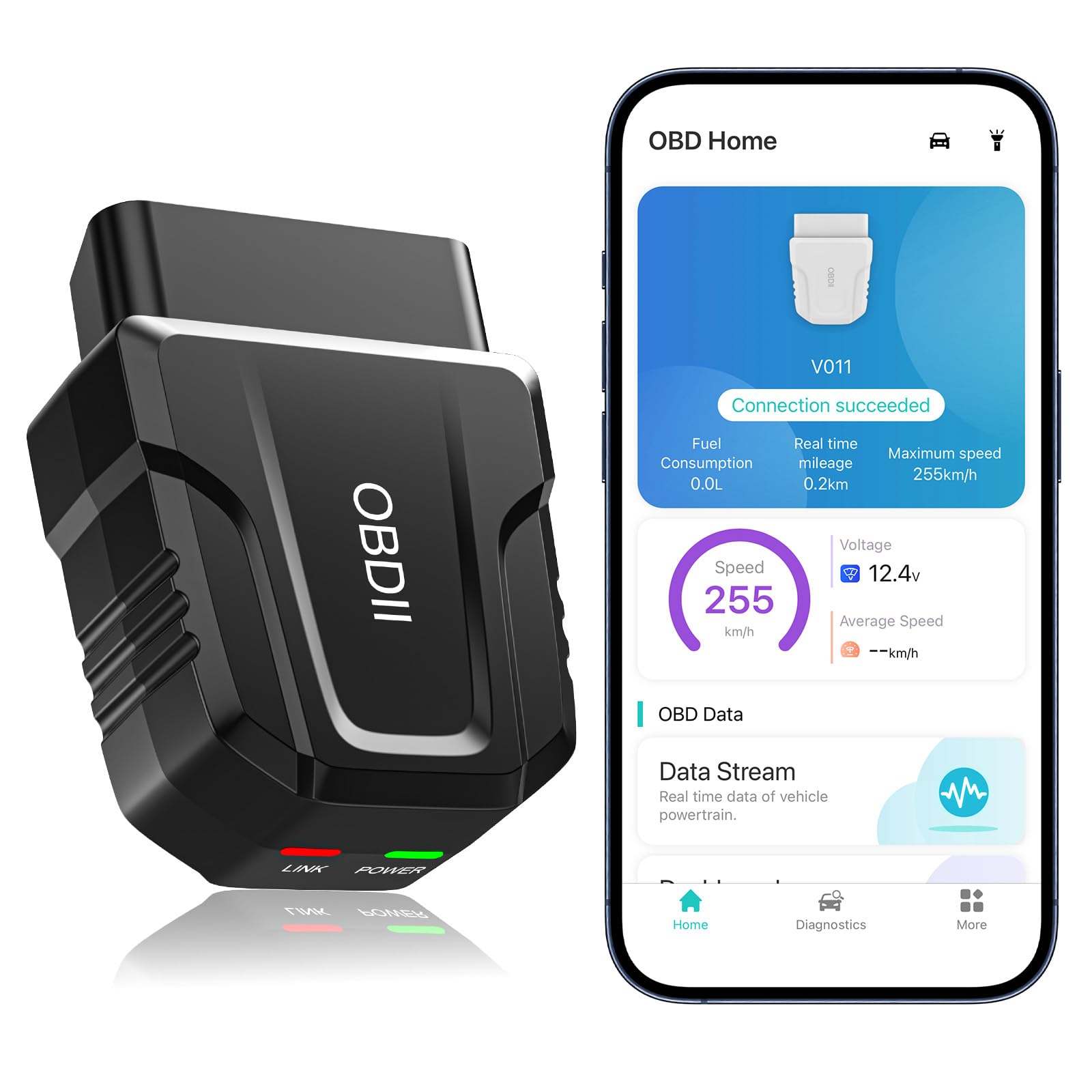
We recommend this if you want a budget Bluetooth scanner that reads catalytic converter and other emission-related codes and gives clear live data.
Pros
- Fast Bluetooth pairing and steady connection.
- Good live data and emission readiness checks for the price.
- Easy app with code explanations and simple fixes.
Cons
- App is basic compared to high-end scanners.
- Some advanced PIDs and graphing are limited.
- Not a substitute for shop-level diagnostics when issues persist.
We plugged the UMEIJA V011 into several cars and it paired almost instantly with our phones. The app walked us through pulling codes, viewing live sensor values, and checking O2 and readiness monitors. That made it simple to spot catalytic-related faults like P0420 or O2 sensor issues.
Using the live data screen, we watched catalyst and O2 readings in real time while driving and idling. The visuals are clear and helped us compare values quickly. On one vehicle we verified the downstream O2 sensor was slow to respond, which matched the stored code.
The device handled most common models without fuss and stayed connected with Bluetooth 5.4. We cleared codes after repairs and reviewed stored reports later in the app. For DIYers who need catalytic converter diagnosis at a reasonable price, this unit does the job; for deep, professional-level testing you may need a pricier tool.
BlueDriver Pro

We recommend this if you want a reliable Bluetooth OBD2 tool that reads catalytic converter and other codes with mechanic-grade detail.
Pros
- Shows deep diagnostic info and likely fixes.
- Simple Bluetooth setup and clean app interface.
- No subscription fees for features.
Cons
- More expensive than basic code readers.
- Some advanced car makes may have limited manufacturer-specific data.
- Must use phone app; no onboard screen.
We plugged BlueDriver into several vehicles and it found catalytic converter related codes cleanly. The app gave plain repair reports that matched what a mechanic might tell us. It felt like using a shop-level scanner without a big tool.
During live-data checks we watched O2 sensor readings and catalyst efficiency numbers in real time. That helped us see failing converters vs. temporary misfires. The wireless link stayed stable on every test drive we did.
Setup took only a few minutes on both iOS and Android. We liked leaving it plugged in so we could check codes whenever the check engine light appeared. If you want deep diagnostics and clear repair suggestions, this is a solid pick.
Innova 5210
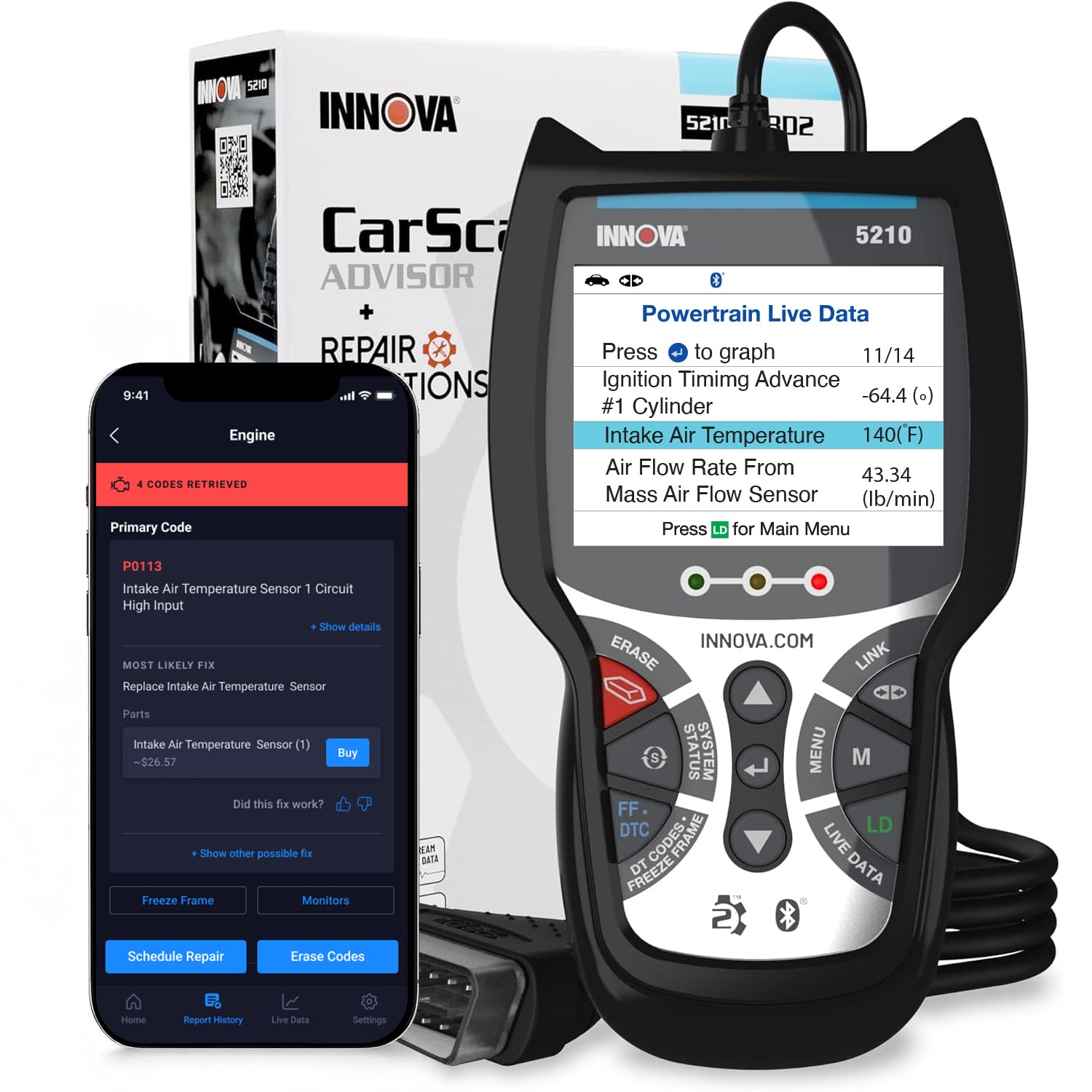
We recommend this scanner if you want a reliable Bluetooth OBD2 tool that reads catalytic converter‑related codes and also tests your battery.
Pros
- Clear live data and readiness checks make emissions troubleshooting simple.
- Built‑in battery tester helped us spot an alternator issue quickly.
- RepairSolutions2 app provides step‑by‑step fixes without extra fees.
Cons
- Bluetooth pairing can be picky on some phones.
- Does not always point to the exact replacement part.
- ABS coverage may vary by vehicle, so it’s not universal.
We plugged the Innova 5210 into a few cars and liked how quickly it pulled catalytic converter and O2 sensor data. The live data stream showed oxygen sensor voltages and short/long term fuel trims, which helped us narrow down whether the code was sensor‑related or exhaust‑related.
Using the battery tester felt handy while diagnosing emissions problems tied to charging issues. We also used the drive cycle readiness checks before an emissions test and it saved us a return trip by confirming I/M readiness.
The RepairSolutions2 app gave clear repair steps and cost estimates, which made decisions easier. Pairing was smooth on some phones but finicky on others, and the tool sometimes stopped short of naming the exact part number for replacement.
BLCKTEC 440 Bluetooth OBD2 Scanner

We recommend this scanner if you want a simple, plug-and-play tool that reads catalytic converter and emissions codes without fuss.
Pros
- Quick to plug in and power up from the car.
- Live data and I/M readiness make emissions checks easy.
- Clear color screen and simple menus we could use right away.
Cons
- Bluetooth pairing can be finicky on some phones.
- Not all makes let you clear every code, especially high-end models.
- Printer support is useful but feels extra for most DIYers.
We used the BLCKTEC 440 on a few different cars and liked how fast it pulled codes. The color screen shows readiness status clearly, and the I/M hotkeys got us through smog prep quickly.
Live data graphing helped us see real-time changes when we tested oxygen sensor output and catalytic efficiency. It felt accurate for basic diagnostics and saved time compared with guessing from a blinking check engine light.
Pairing the Bluetooth to our phones sometimes took an extra try, and one Porsche we tested allowed code reads but not clearing. Still, for most 1996-and-newer cars this unit handled catalytic converter codes and emissions checks well.
ANCEL AD310

We recommend this if you want a simple, tough OBD2 reader that finds and clears emission-related codes fast.
Pros
- Fast and reliable for check engine and emission codes
- Solid build and long, flexible cable that stays put
- No batteries — it powers from the car and works out of the box
Cons
- Only reads emission-related OBD2 codes, not all engine systems
- No wireless Bluetooth — you need the corded connection
- Can’t diagnose pre-1996 or non-OBDII cars even with adapters
We plugged the AD310 into several cars and it lit up instantly. It pulled catalytic converter and O2 sensor codes quickly, and the screen showed clear code names and freeze-frame data. We liked that the large backlit display made it easy to read in a dim garage.
We appreciated the heavy-duty cable and compact design. Dropping tools in the bay is common, so a sturdy cord and solid housing matter. The buttons felt durable, and the unit sat comfortably on the fender while we worked.
Clearing codes worked every time after fixes, but remember this tool only handles emission-related trouble codes. If you need ABS, airbag, or transmission diagnostics, this isn’t the right pick. For basic catalytic converter checks and quick home use, it saved us shop trips and explained problems in plain terms.
VDIAGTOOL D200
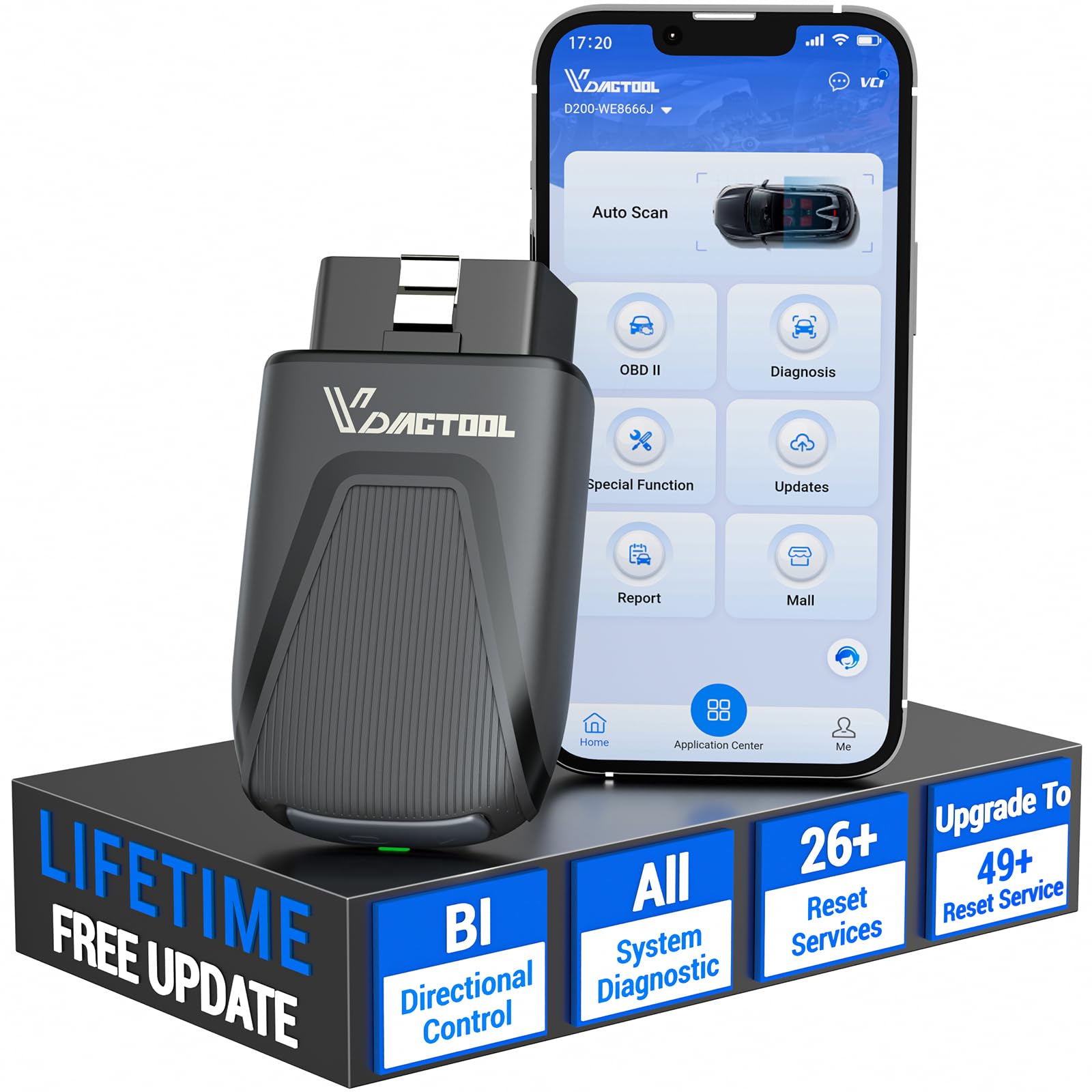
We recommend this if you want a compact Bluetooth scanner that reads catalytic converter and engine codes and can grow into a shop-level tool.
Pros
- Strong live data and graphing that helped us spot fluctuating O2 readings.
- True bidirectional control for active tests without hauling a tablet.
- Lifetime basic updates and many free reset functions for routine fixes.
Cons
- Some advanced resets require paid upgrades to access.
- App is phone-only; we missed tablet and PC support for larger screens.
- FCA/GM protected modules need extra account access or fees.
We used the D200 on a few late-model gasoline cars to chase a P0420 catalytic converter code. Pairing over Bluetooth was quick and stable. Viewing eight live PIDs at once let us watch O2 sensors and catalyst efficiency in real time, which narrowed the issue faster than guessing parts.
Running active tests felt professional. We commanded fuel pumps and injectors from the phone and saw instant responses. That saved us from replacing parts that were actually fine.
Everyday resets like readiness, throttle relearn, and EPB worked smoothly. When deeper repairs were needed, the optional paid unlocks looked useful, though we prefer the free core features for most DIY jobs.
Overall, the D200 gave us clear, fast diagnostics for catalytic converter codes and engine checks, with the option to expand if we start doing higher-level work.
